Nansen data matches the claim: the direction, the size and the timing line up. Always shown with receipts.
How capcheck works.
capcheck fact-checks crypto Twitter against live onchain data from the Nansen API. Three tools, one rule: every answer comes with receipts, and if the data can't settle it, we say so.
Specific onchain data contradicts the claim, like the wrong direction or a very different amount. Always with receipts.
The data can't settle it (a chain Nansen doesn't cover, a shortened wallet, a prediction), and we say exactly why. Never a guess.
Lie detector
Is it cap, or is it onchain?Paste a post from X, drop a screenshot, or type a claim. capcheck reads the whole post, pulls out every fact that can be checked, and checks each one against Nansen. Predictions, price targets and opinions are listed as "not checkable" instead of being scored.
- 1Read the postPulls the post, its images and any quoted post. Screenshots are read by a vision model, including Arkham and Nansen tables.
- 2Split facts from opinionsAn AI fact-checker separates checkable claims from predictions and hype.
- 3Route each claimWallet, cohort, hack or exploit, named entity and market claims each get their own check.
- 4Check NansenWallet histories, smart-money flows, counterparties, transfers and prices, in the window the post talks about.
- 5Stamp the verdictTRUE, LIE or UNAVAILABLE, with the Nansen receipts and endpoints behind it.
Wallet claims“0x6436 bought 141K $HYPE today”Checks that wallet's transfers and trades on every chain Nansen indexes, including Hyperliquid.
Cohort claims“Smart money +$208K, whales −$536K”Compares each cohort's net flow for the token over the window in the post.
Hacks and exploits“Bitget was hacked for $351M”An AI investigator follows the money with up to 8 Nansen calls, and shows every step.
Market claims“$SOL hit $113 and bounced”Checks price, % moves, market cap and all-time highs against price history.
Step 1 · Paste the post
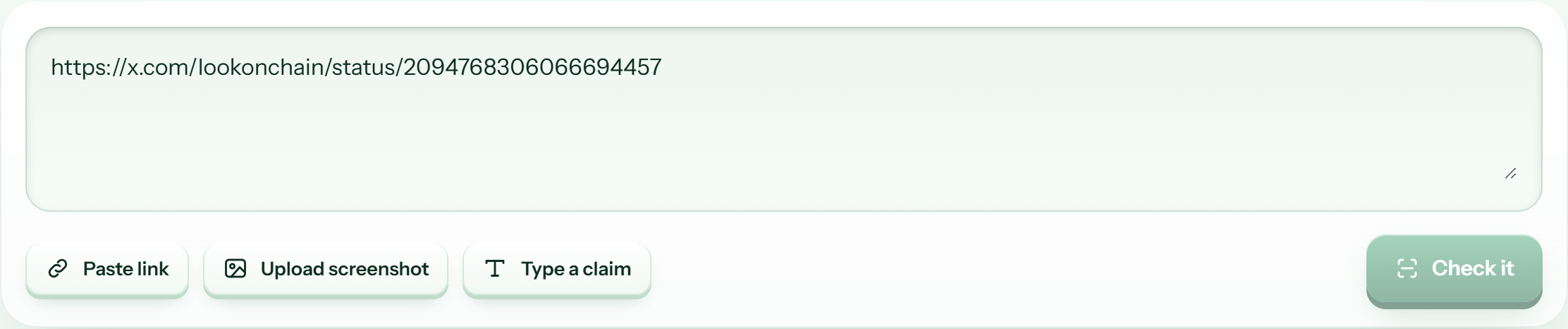
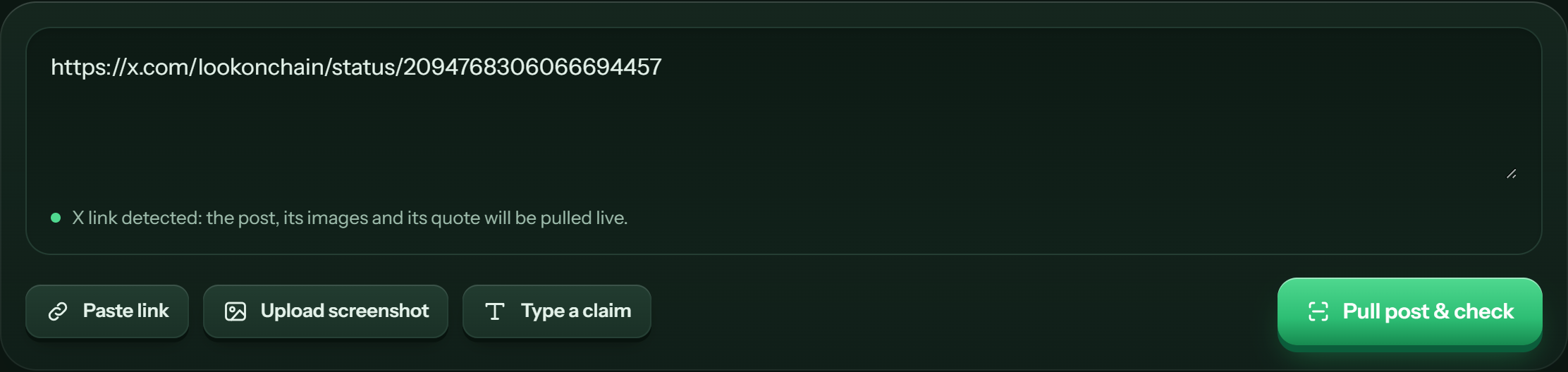
- 1The paste boxPaste an X link, type a claim, or both. When it spots an X link it pulls the post live.
- 2Paste linkPastes the link from your clipboard straight into the box.
- 3Upload screenshotAttach a screenshot of a post or table. You can also drag it onto the box or press Ctrl+V.
- 4Type a claimJumps to the box so you can type any claim in plain words.
- 5Check itRuns the check. Most take seconds; hacks and exploits can take up to a minute and a half.
Step 2 · Read the verdict
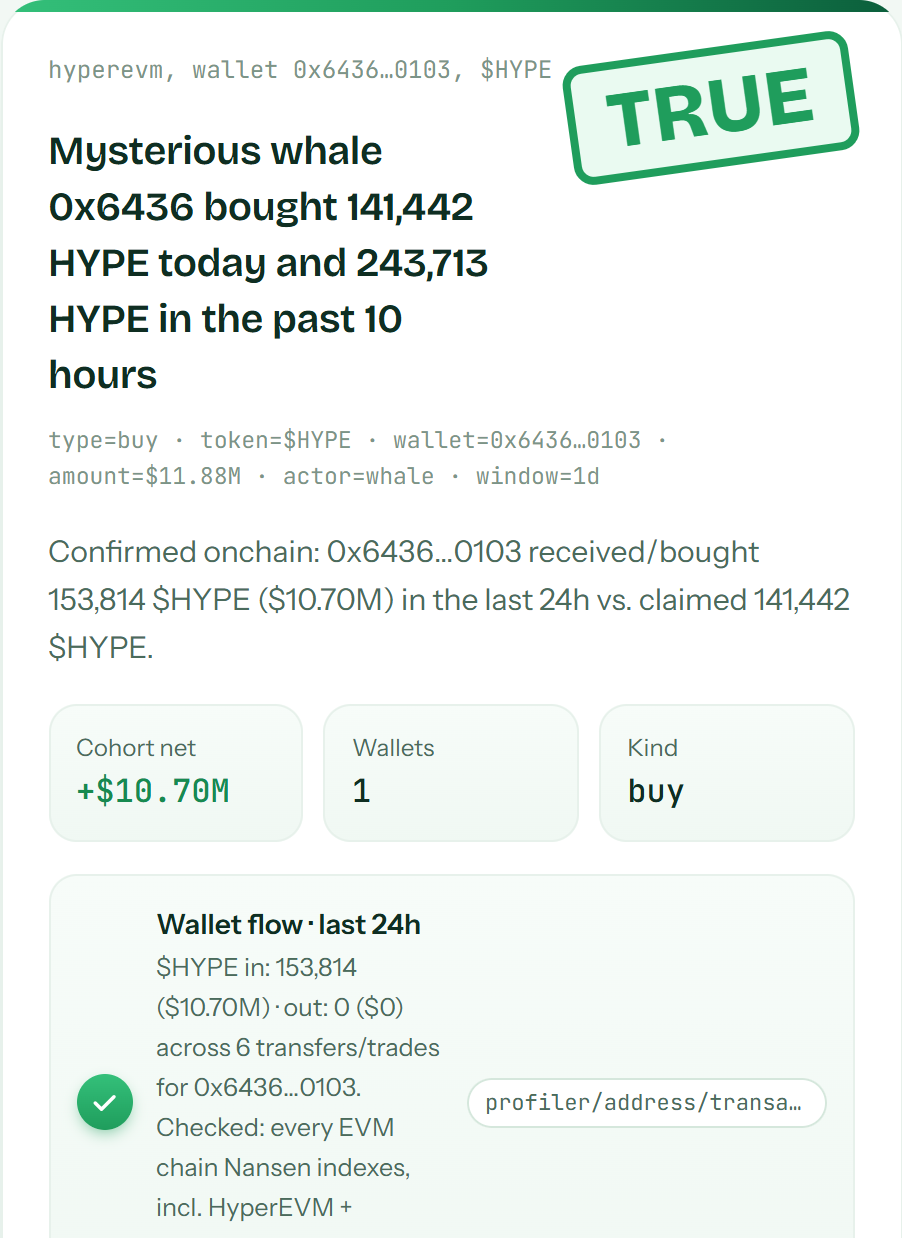
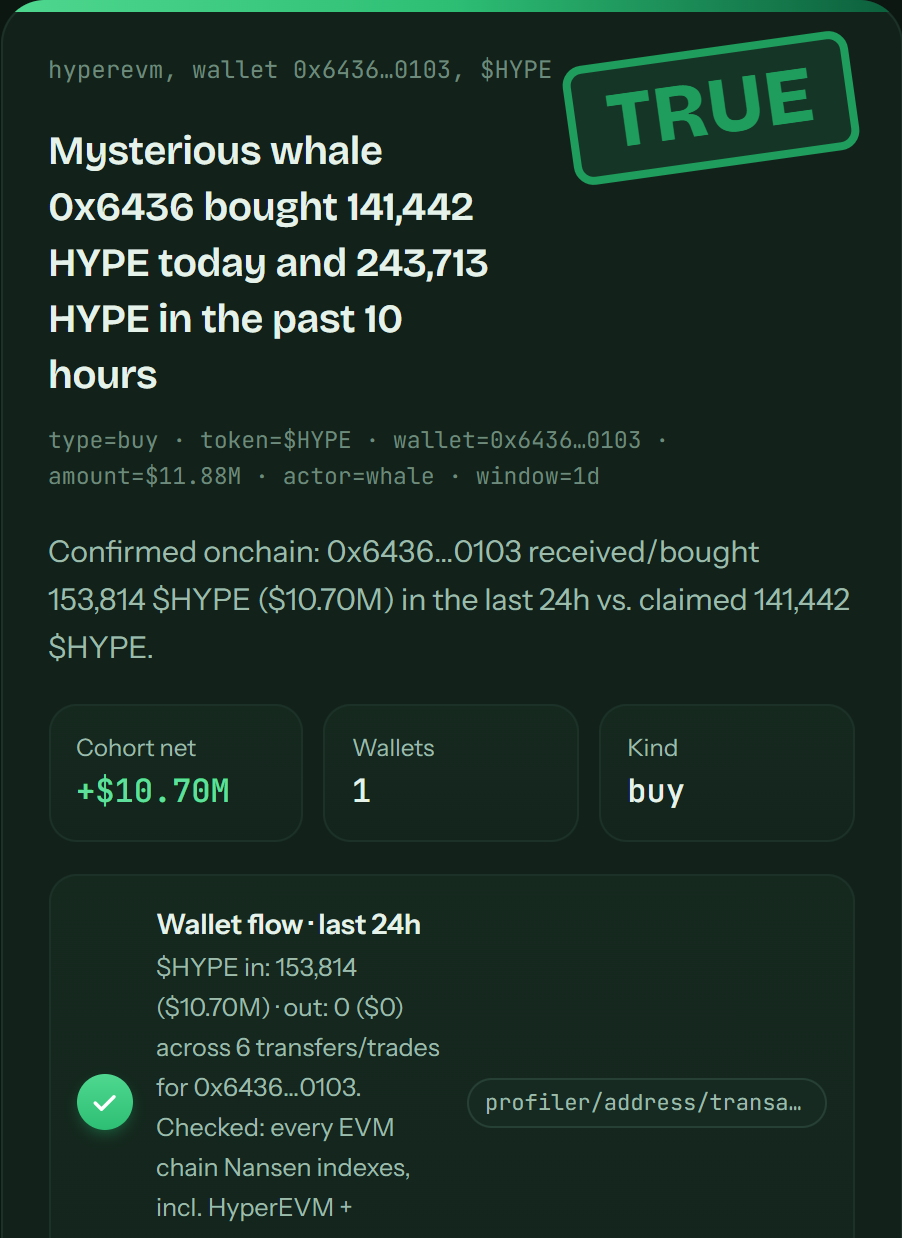
- 1The stampTRUE, LIE or UNAVAILABLE. It slams onto the card when the check finishes.
- 2The claimThe central claim, as capcheck understood it from the post.
- 3How it was readWhat was checked: claim type, token, wallet, amount and time window.
- 4The findingWhat Nansen showed, in one or two sentences. Multi-part posts get one row per part.
- 5ReceiptsEach piece of evidence with the Nansen endpoint it came from. Hacks also get a “How we checked this” trail.
Docket
Should you buy? Ask the money.Ask about any coin: a question, a $TICKER, a contract address or an X post. Docket works out the exact token, reads how smart money is positioned on Nansen, scores the signals and gives one straight call. If Nansen doesn't have the data, you get UNAVAILABLE and the reason, never a made-up call.
BUYSmart money is accumulatingInflows, more buyers than sellers, and no sign of selling into retail.
WAITThe signals disagreeFlows are mixed or too small to call either way.
IGNORESmart money is exitingOutflows, net sellers, or smart money short on perps.
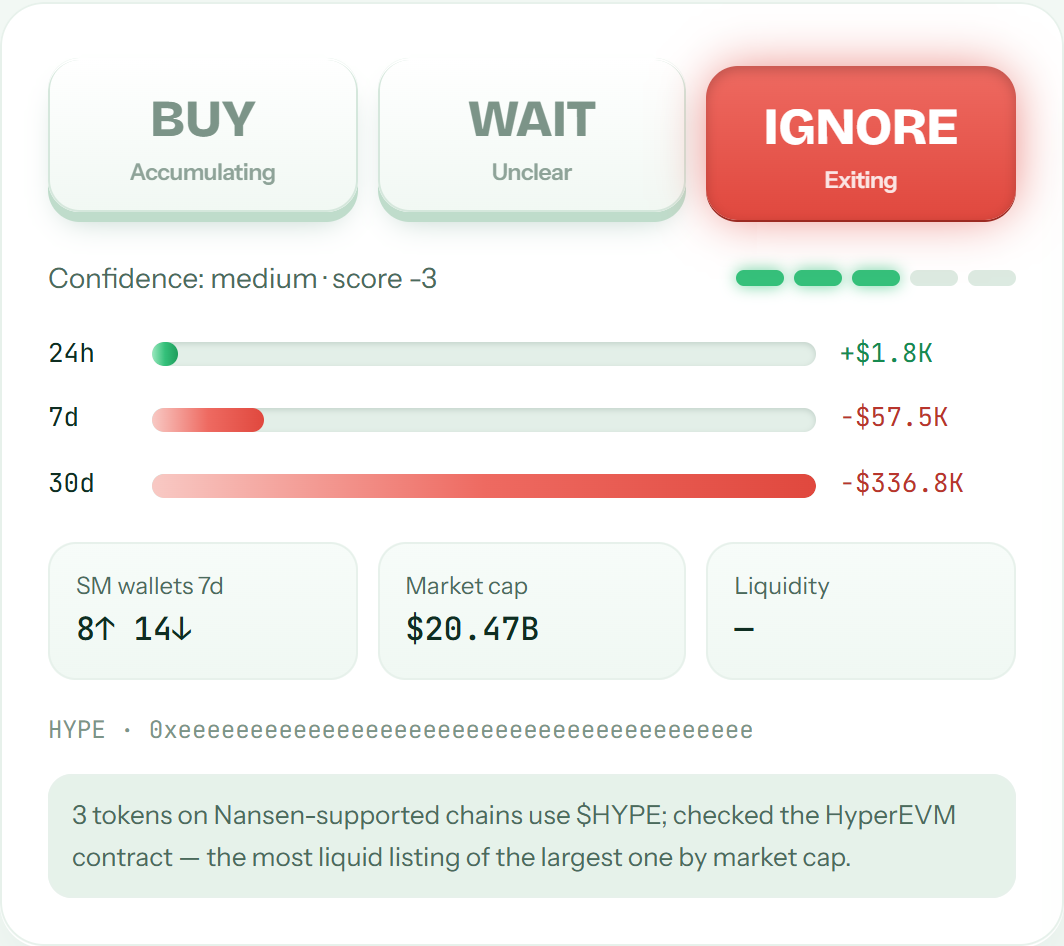
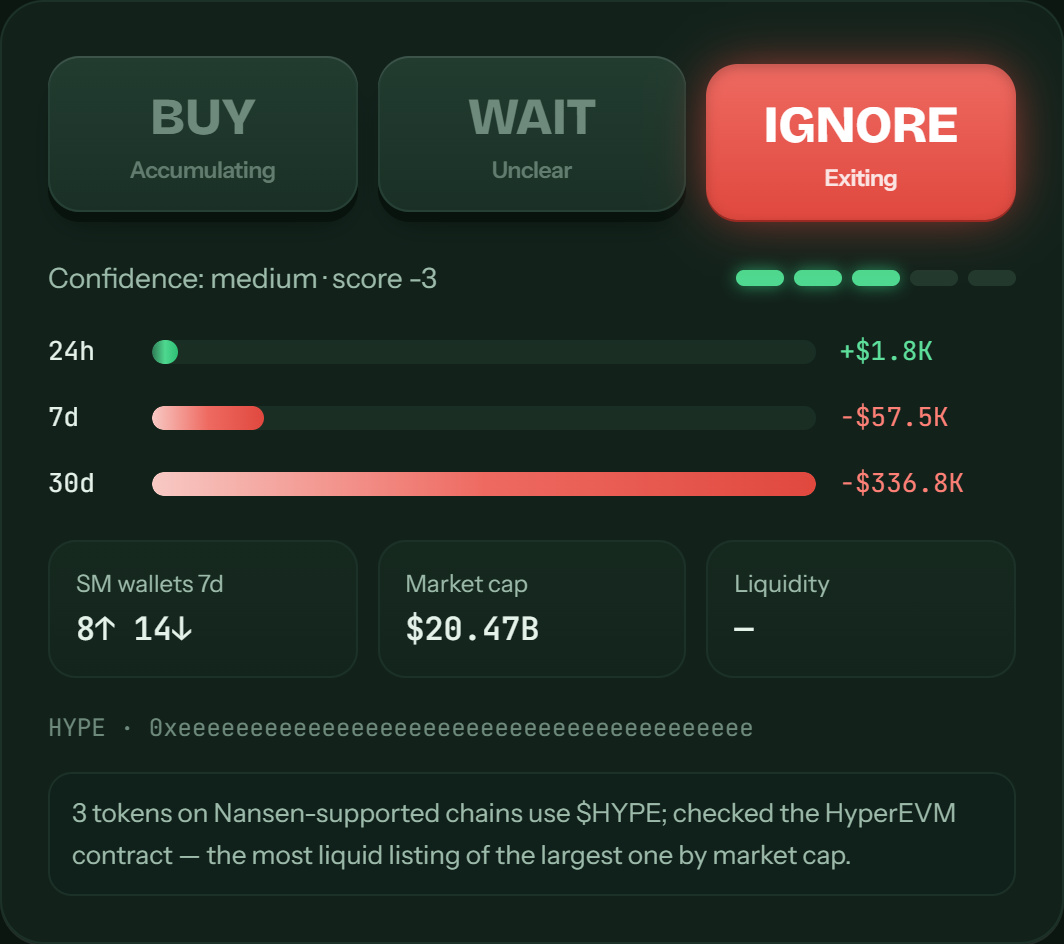
- 1The callThe key that lights up and sinks is the call. The keys are indicators, not buttons.
- 2ConfidenceHow strongly the signals agree: low, medium or high, plus the net score.
- 3Smart-money flowNet smart-money flow over 24 hours, 7 days and 30 days. Red means net selling.
- 4Wallets and sizeHow many smart-money wallets bought vs sold this week, plus market cap and liquidity.
- 5Which token was checkedThe exact contract Docket used, and why it picked that listing.
Below the call, the analysis card explains who is buying and selling, lists warning signs, and says what would change the call. The score breakdown, receipts, top wallets and perp positions are all there too. Not financial advice.
Specimen tank
Five memecoins, one glass tank.Pick a chain and a time window, then fill the tank. One Nansen search finds the five memecoins smart money is most active in, and each floats up as a specimen tinted by what the money is doing. Results are cached for 5 minutes, so refilling is free.
LoadedSmart money is buying and the price is rising. The two agree.
StealthSmart money is buying while the price falls. Quiet accumulation.
TrapSmart money is selling into a pump. Likely exit liquidity.
MixedNo clear signal between flows and price.
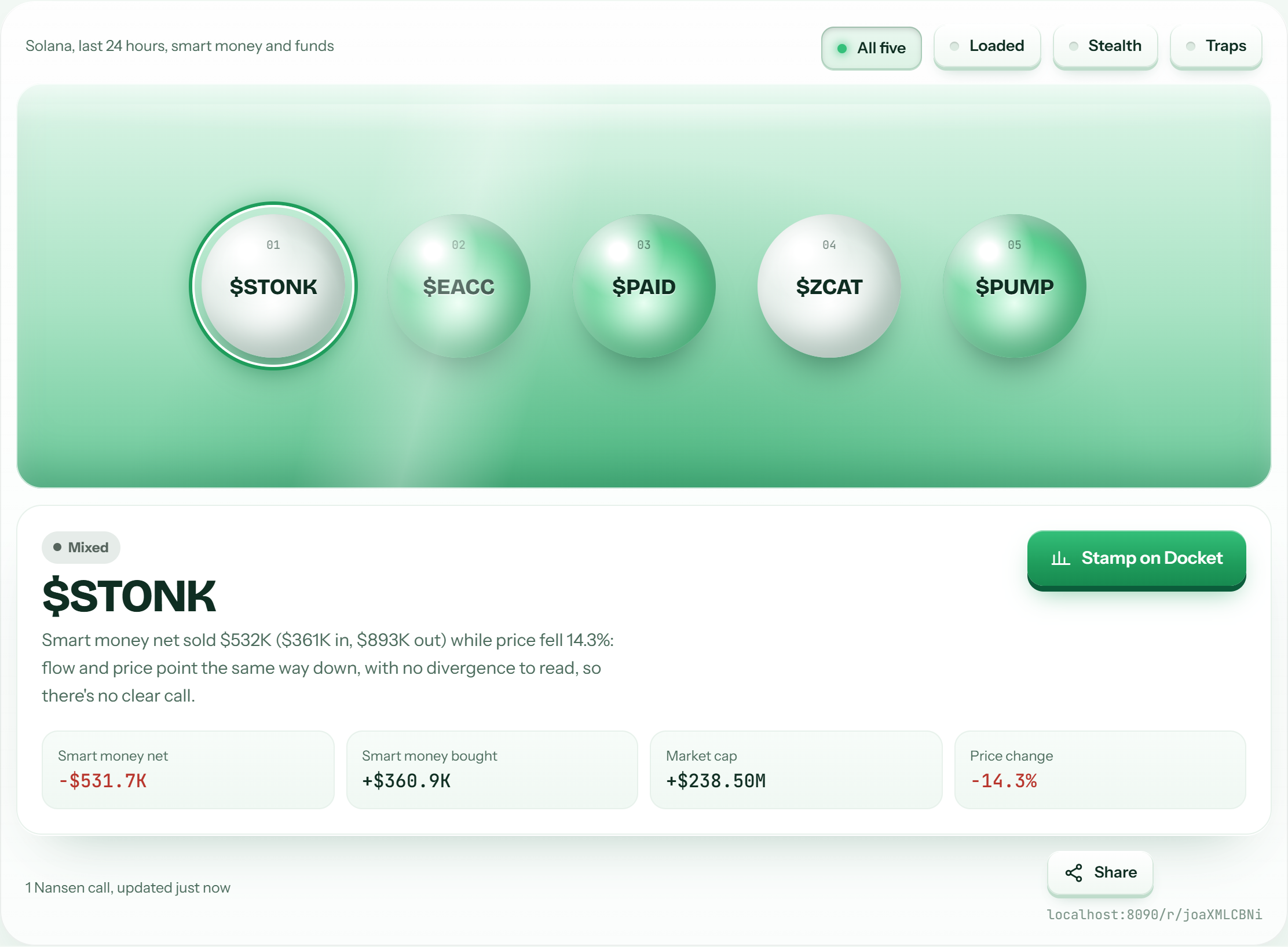
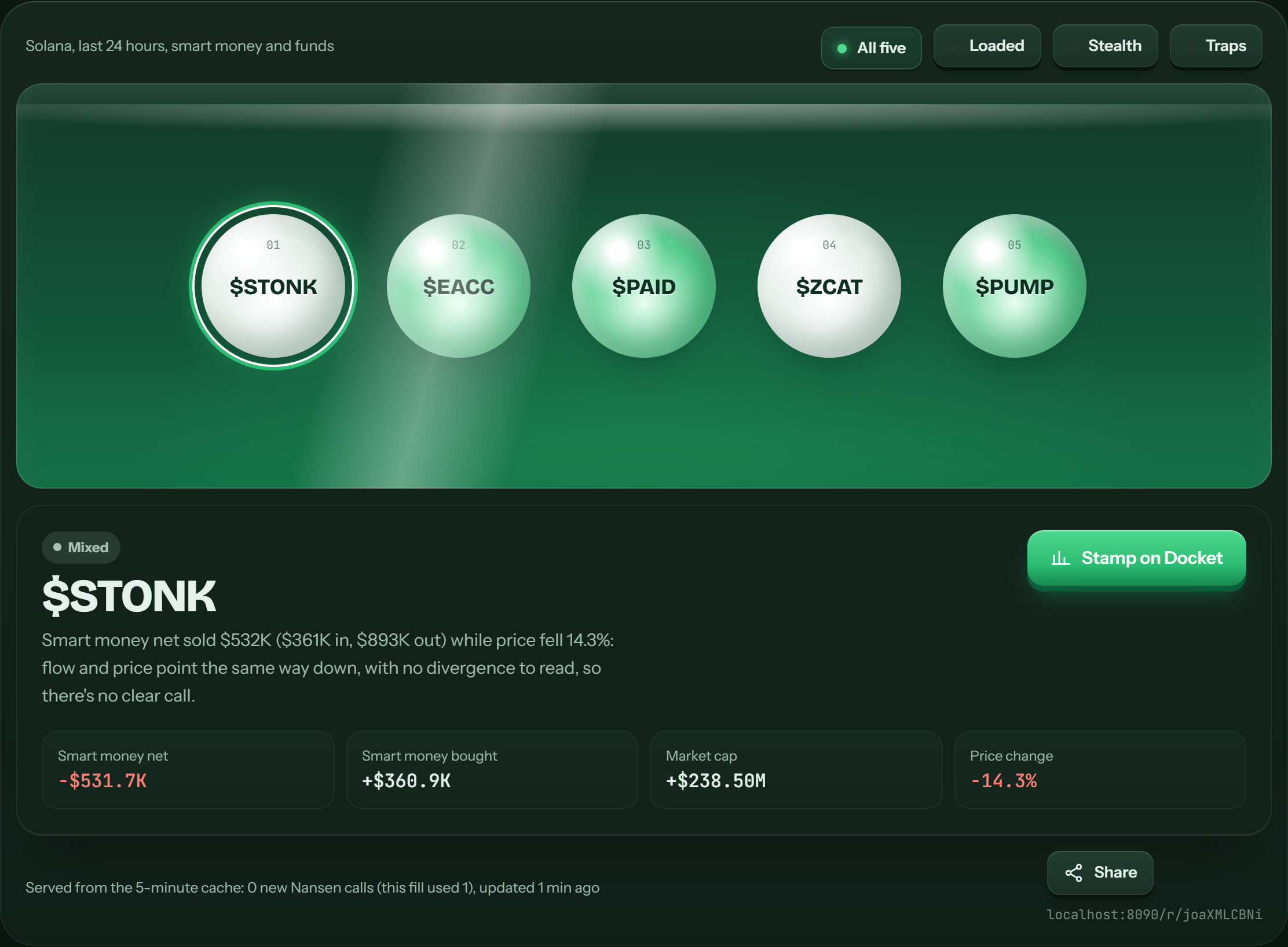
- 1FiltersShow only Loaded, Stealth or Trap coins. The others dim, and nothing is re-fetched.
- 2A specimenClick any ball to select it. The ring shows which one is open.
- 3Its class and reasonLoaded, Stealth, Trap or Mixed, with the numbers behind it in one sentence.
- 4Stamp on DocketSends that token to Docket for a full BUY / WAIT / IGNORE call.
- 5The numbersSmart-money net flow, amount bought, market cap and price change for the window.
- 6Share the tankShare this exact tank with a permanent link.
Sharing
Every result gets a permanent link.Every verdict, call and tank has one Share button. Shared links open a frozen copy of the result, exactly as it was checked, with a preview card for X.
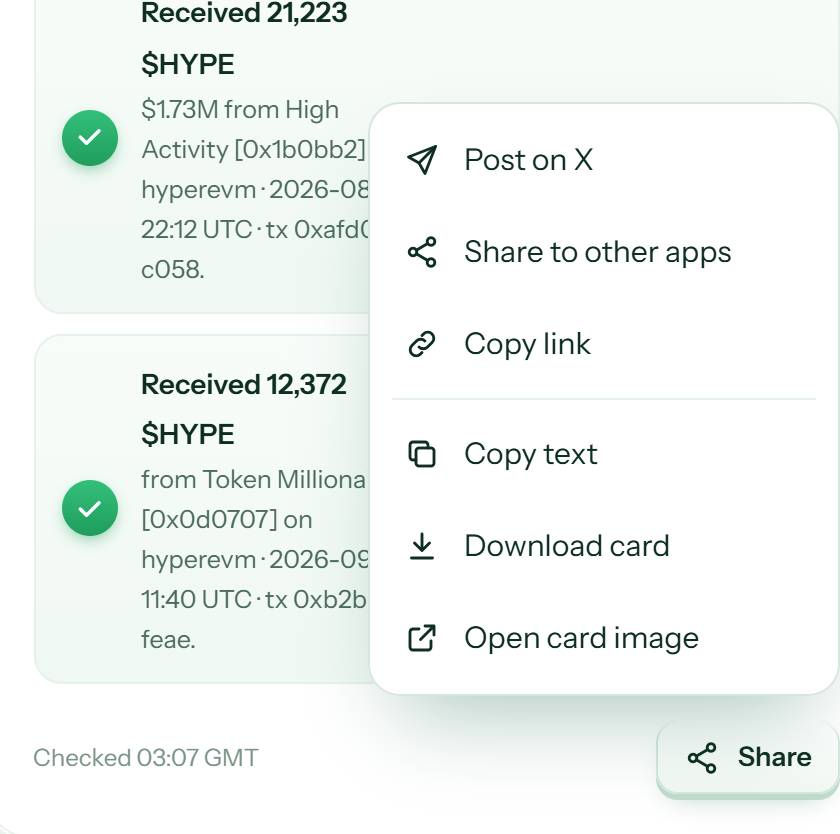
- 1ShareOpens the menu. Press Esc or click outside to close it.
- 2Post on XOpens a ready-to-post tweet with the verdict and the link.
- 3Share to other appsYour phone's share sheet, with the card image attached.
- 4Copy linkCopies the permanent link to this result.
- 5Copy textThe full result as plain text: verdict, claim, receipts.
- 6Download cardSaves the result as an image. “Open card image” opens it if a download is blocked.
The rules we play by
Where the numbers come from.Every number is from NansenWallet profiler, smart-money netflow, flow intelligence, token god mode, counterparties and transfers. The endpoint is shown next to each receipt.
Never a guessNo data means UNAVAILABLE, not LIE. We never complete a shortened wallet, never call a hack a LIE just because we traced less than claimed, and never score predictions.
Checked in the post's own time window“Today” means the 24 hours before the post was published, not before you pasted it. Quoted older posts aren't scored as the author's claim.
Not financial adviceDocket calls describe smart-money positioning. They are not a recommendation to buy or sell.